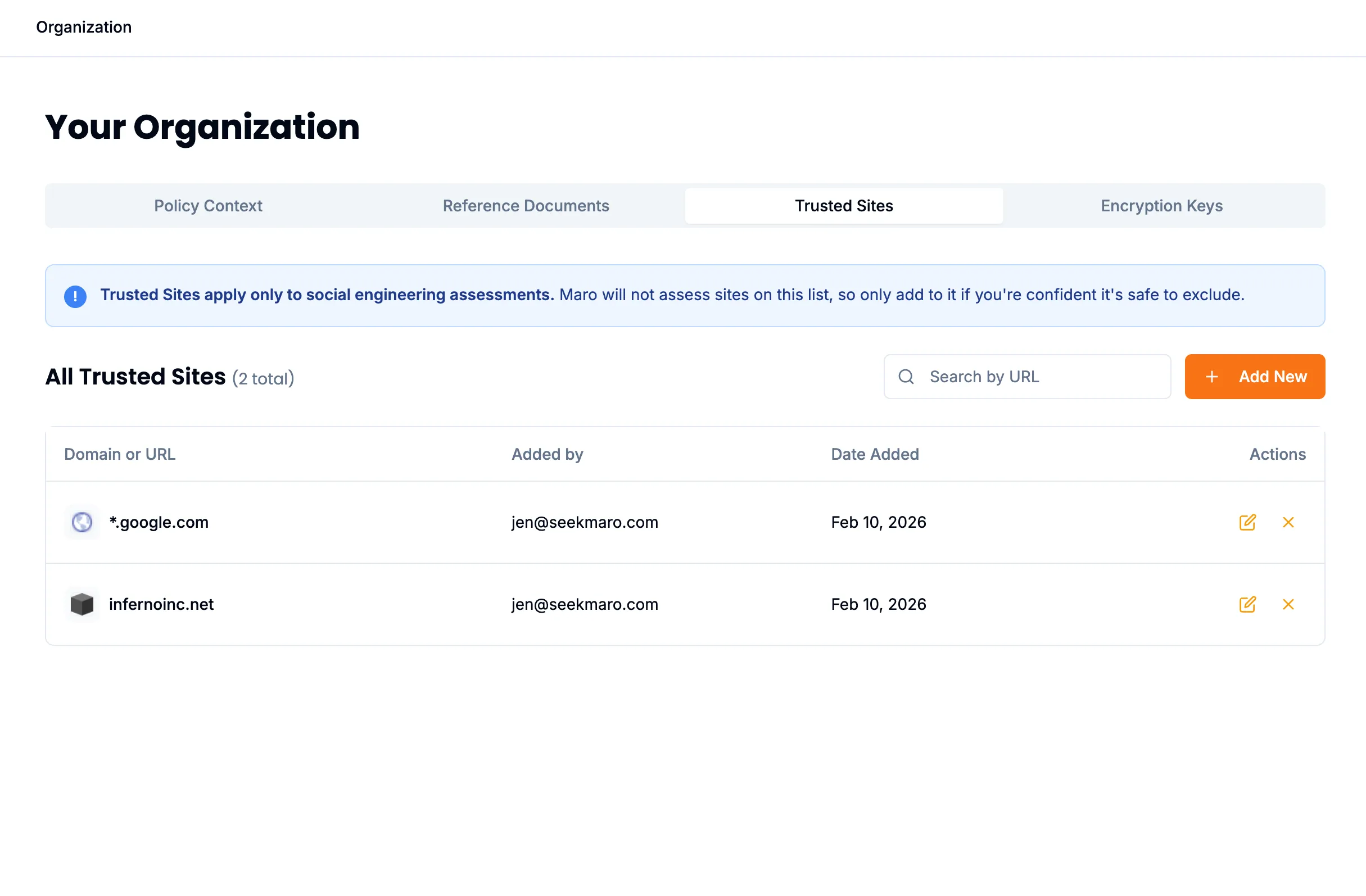
Trusted Sites
5 min
Trusted Sites allow you to bypass website analysis for specific domains or URLs that you trust. When a URL matches a trusted site pattern, Maro will skip the Social Engineering analysis process entirely.
Overview
The Trusted Sites feature is useful for:
- Internal company websites and tools
- Frequently visited sites that don't require analysis
- Third-party applications your organization uses regularly
Pattern Types
Trusted sites support three types of patterns:
1. Exact Domain
Match a specific domain exactly.
example.comThis matches:
- https://example.com
- https://example.com/page
- http://example.com/path/to/resource
This does NOT match:
- https://www.example.com
- https://app.example.com
2. Wildcard Subdomain
Match all subdomains under a domain using the * wildcard.
*.example.comThis matches:
- https://www.example.com
- https://app.example.com
- https://api.example.com/v1/users
- https://staging.app.example.com
This does NOT match:
- https://example.com (no subdomain)
3. Path-Specific Patterns
Match specific paths on a domain.
example.com/app
example.com/login/*
The first pattern matches URLs starting with example.com/app. The second matches any path under /login/.
Managing Trusted Sites
You can navigate to 'Your Organization' -> Trusted Sites to manage your Trusted Sites.
We support bulk loading of CSV files.